Resource Manager
Blueprint

Resource Manager
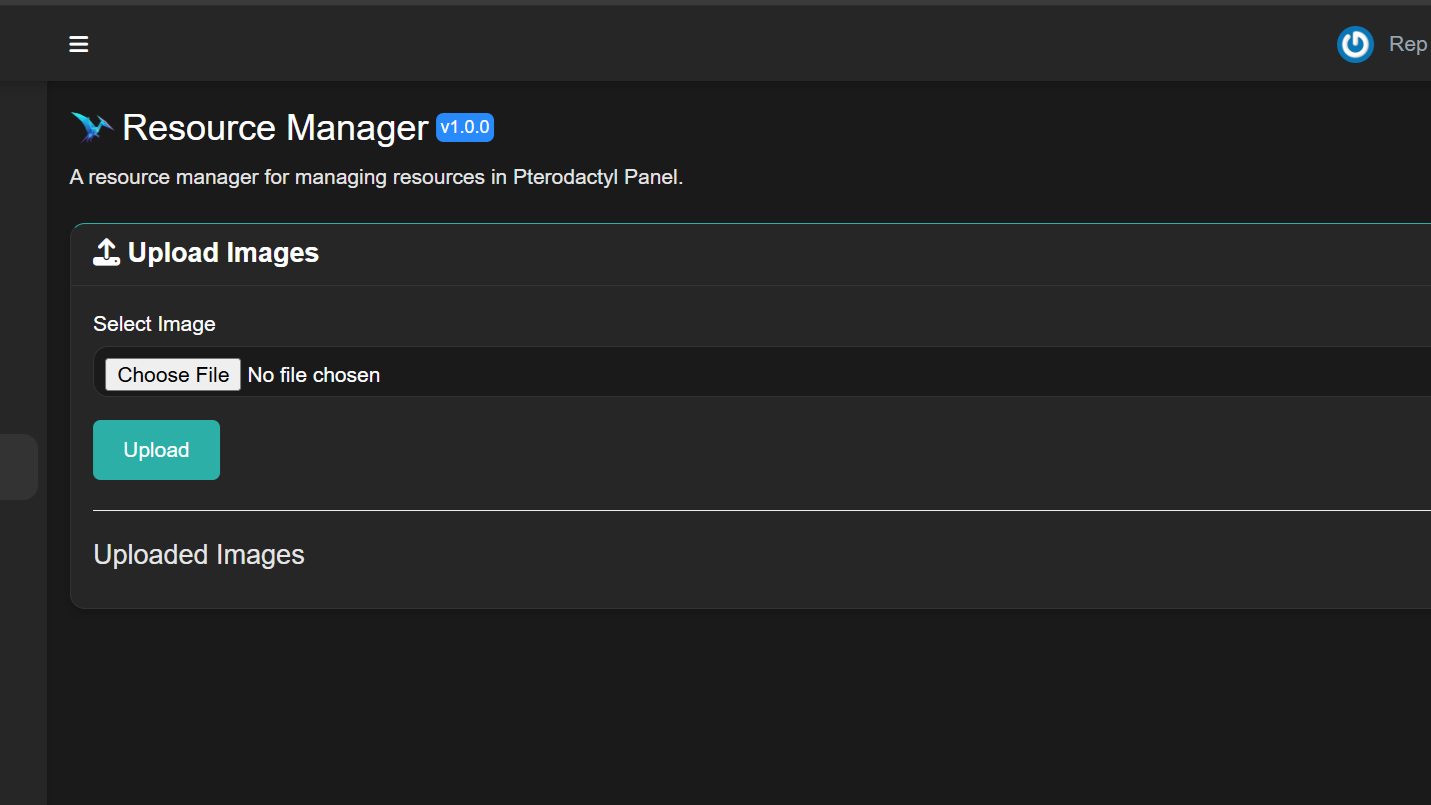
Easily view, manage, and upload images to your Pterodactyl Panel!
Requires Blueprint Framework
Features
✅ Upload images directly to your Pterodactyl Panel
✅ Manage existing resources with an easy-to-use interface
✅ Blueprint Framework integration for seamless functionality
Guide
To get started ensure you have Pterodactyl Installed & Blueprint Framework!
Installation Steps
- Download the zip from GitHub/BuiltByBit/SourceXchange.
- Extract the Zip Files.
- Transfer the *.blueprint file to your VM or Server.
- Navigate to your Pterodactyl Directory usually:
/var/www/pterodactyl - Move the *.blueprint file to that directory Example:
mv /home/username/Downloads/*.blueprint /var/www/pterodactyl - Run
blueprint -install *.blueprint - Follow Install Steps.
Contribution
We welcome contributions! If you want to improve this project:
- Submit a pull request with clear documentation of your changes.
- Follow the project coding style and Blueprint Framework standards.
- You may not sell modified versions of this project.
License
This project is licensed under Modified MIT License, which allows modifications and contributions but prohibits selling modified versions.
Free
Free · lifetime access
No file uploaded yet

RepGraphics
@repgraphics
Version v1.3
Uploaded 5/11/2026
Updated 5/11/2026
Views 3
Owners0
Downloads 0
More from RepGraphics